Nx Console 18.95.0: A Trojaned VS Code Extension Published With Stolen Credentials

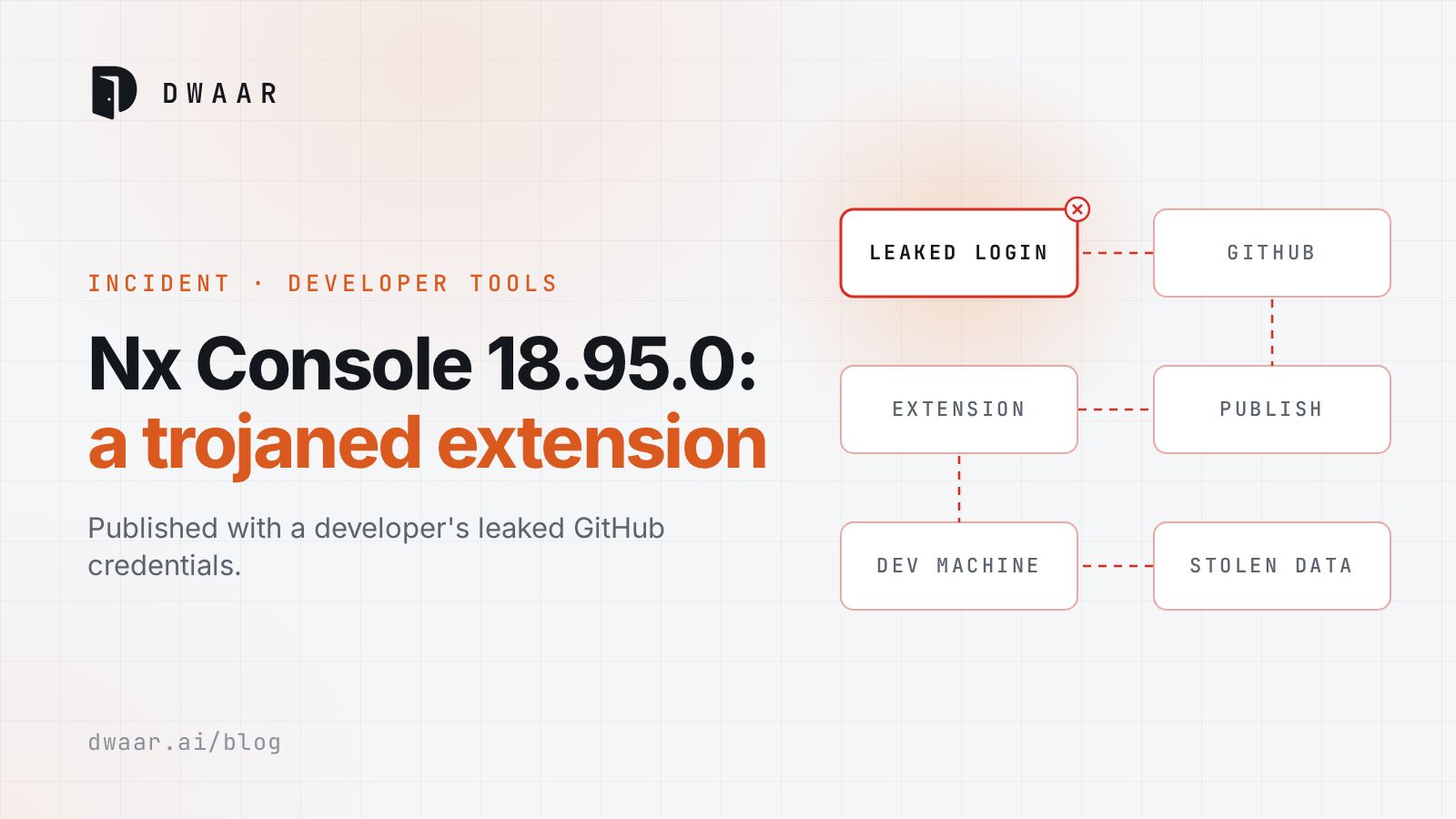
Your repository scanner cannot tell you whether a developer's editor ran Nx Console 18.95.0 on 18 May. That version was live for under an hour, it never had to touch a lockfile, and what it went after was the secrets on the laptop. You have to go and look at the machines.
| At a glance | |
|---|---|
| Identifier | GHSA-c9j4-9m59-847w. The advisory lists "No known CVE" |
| Affected | Nx Console (nrwl.angular-console) 18.95.0 exactly, from Visual Studio Marketplace and Open VSX |
| Fixed in | 18.100.0 or later |
| Severity | Critical, per the Nx advisory on GitHub. No CVSS score has been published |
| Exploited as of 2026-05-20 | Yes, Nx acknowledges real victims. No CISA KEV entry |
| Disclosed | 2026-05-18, with the timeline corrected on 2026-05-19 |
Thirty-nine minutes from upload to last takedown
Per the advisory timeline, Microsoft registered the upload at 12:30 UTC. An Open VSX security scan started at the same moment, finished at 12:33, and the version was published. At 12:36 a maintainer received the upload email. The extension came off the Marketplace at 12:47, which Microsoft registered at 12:48, and off Open VSX at 13:09.
That is about 18 minutes on the Marketplace and about 36 on Open VSX. Two earlier statements have been corrected, so redo your scoping if you relied on them. The first version of the advisory gave 2:36 to 2:47 PM CEST, or 11 minutes, and The Hacker News reported Open VSX as unaffected.
The timeline shows the email arriving 11 minutes before the unpublish. The advisory does not say what prompted the takedown.
The root cause is two failures
The first is a stolen credential. Nx's words: "One of our developers were compromised by a recent security incident which leaked their Github credentials." The advisory does not name that incident.
The second is the release path. Before this, "a single member of our organization was able to release a new version of Nx Console without manual approval." Two admins must now approve each release. You cannot fully prevent the first failure. The second is a design choice, so fix it first.
Opening any workspace in VS Code triggered the install of the Bun runtime, which ran an obfuscated index.js, skipped machines in Russian and CIS time zones, and detached into the background. A researcher quoted by The Hacker News says it "fetched and executed a 498 KB obfuscated payload from a dangling orphan commit hidden inside the official nrwl/nx GitHub repository." My read: hosted in the project's own repository, that fetch would look like a developer tool talking to its usual home.
The advisory's target list reads like an inventory of a senior engineer's laptop: Vault tokens, npm tokens, AWS metadata and Secrets Manager, GitHub tokens and Actions secrets, the 1Password op CLI, keys on disk, and GCP and Docker credentials. The Hacker News adds Anthropic Claude Code configurations. Data left over HTTPS, the GitHub API and DNS. On macOS a Python backdoor reportedly uses the GitHub Search API as a dead drop for commands, and on Linux the malware attempted sudoers injection.
The same report says the payload contains full Sigstore integration, including Fulcio certificate issuance and SLSA provenance generation, which with stolen npm OIDC tokens could produce provenance-signed packages. That is a reported capability, not a reported event. A provenance badge is not proof of good intent.
As of its 19 May text, Nx said "very few users were compromised but unfortunately, it was not 0." Do not treat that as a count. In an update The Hacker News dates 20 May, Nx's Jeff Cross said Microsoft initially reported 28 installs but the team estimates "potentially over 6,000 installs." The extension has more than 2.2 million installations overall.
What GitHub has said, and what it has not
GitHub ties its breach to this extension, by a link rather than by name. It first said on X: "Yesterday we detected and contained a compromise of an employee device involving a poisoned VS Code extension." It assesses the activity as "exfiltration of GitHub-internal repositories only" and calls the attacker's claim of about 3,800 repositories "directionally consistent with our investigation so far." Both BleepingComputer and SiliconANGLE report roughly 3,800 as the number GitHub confirmed, although GitHub's own wording attributes that figure to the attacker, and the forum post itself said about 4,000. That post came from a group calling itself TeamPCP, which said it was "not interested in under 50k." GitHub has not attributed the breach to them. GitHub's 20 May blog post dates detection and containment to Monday 18 May, although SiliconANGLE reports Tuesday.
GitHub's 20 May blog post does not print the extension's name, but the words "poisoned VS Code extension" link to the Nx Console advisory. SiliconANGLE's report quotes GitHub's posts on X and describes the extension as unnamed, although its timestamp falls after the blog post went up. GitHub has not said how the extension reached the employee's device.
What to check and do now
Start with every machine running VS Code or an editor that installs from Open VSX. If auto-update was on and the editor was open during the window, my position is to treat that machine as exposed.
-
Check the installed version of Nx Console (
nrwl.angular-console) in the editor's Extensions view. The advisory's first indicator is that version 18.95.0 was installed during the exposure window.A newer version does not clear the machine, because auto-update may already have replaced 18.95.0 while the persistence files remain. Step 2 is what counts.
-
Look for the indicators in the advisory:
~/.local/share/kitty/cat.py,~/Library/LaunchAgents/com.user.kitty-monitor.plist,/var/tmp/.gh_update_state,/tmp/kitty-*, a python process runningcat.py, and any process with__DAEMONIZED=1in its environment. On Linux, also read sudoers for entries you did not add. -
If you find anything, or cannot rule it out, update to 18.100.0 or later and confirm 18.95.0 is no longer running. Kill the processes above and delete the files. On macOS, unload the LaunchAgent before deleting it:
launchctl unload ~/Library/LaunchAgents/com.user.kitty-monitor.plist -
Rotate every credential reachable from that machine and audit access logs for the affected accounts. Clean first, because a live backdoor can take the new values too. Then copy GitHub's ordering, with "the highest-impact credentials prioritized first."
Draw the line around developer machines
A repository scan sees code, manifests and lockfiles. An editor extension is third-party code that updates itself and runs with a developer's credentials, and none of your build manifests record it. There was no CVE here either, so anything matching on CVE ids had nothing to match. A malicious package is a different problem from a vulnerable one, and this is that problem in an editor.
Three positions:
- Inventory extensions. You cannot secure what you cannot list, and the extensions on your developers' machines belong on that list.
- Shrink what a laptop holds. The target list above is your blast radius.
- Require two people to publish. Apply this to every release, extensions included, and send upload notifications somewhere a person reads them within minutes.
Pick one developer laptop today. List its extensions, then write down every credential reachable from its terminal. That second list is what one bad update costs.
References
- GitHub Blog, Investigating unauthorized access to GitHub's internal repositories, Internet Archive snapshot, 2026-05-20
- GitHub Security Advisories (nrwl/nx-console), GHSA-c9j4-9m59-847w, Internet Archive snapshot of the updated advisory, 2026-05-19
- GitHub Security Advisories (nrwl/nx-console), GHSA-c9j4-9m59-847w, Internet Archive snapshot of the first version, 2026-05-18
- The Hacker News, Compromised Nx Console 18.95.0 targeted developer credentials, Internet Archive snapshot, 2026-05-19
- BleepingComputer, GitHub confirms breach of 3,800 repos via malicious VSCode extension, Internet Archive snapshot, 2026-05-20
- SiliconANGLE, GitHub confirms breach of 3,800 internal repos after employee installs poisoned VS Code extension, 2026-05-20