The axios npm Hijack: When the Attack Goes Through the Maintainer

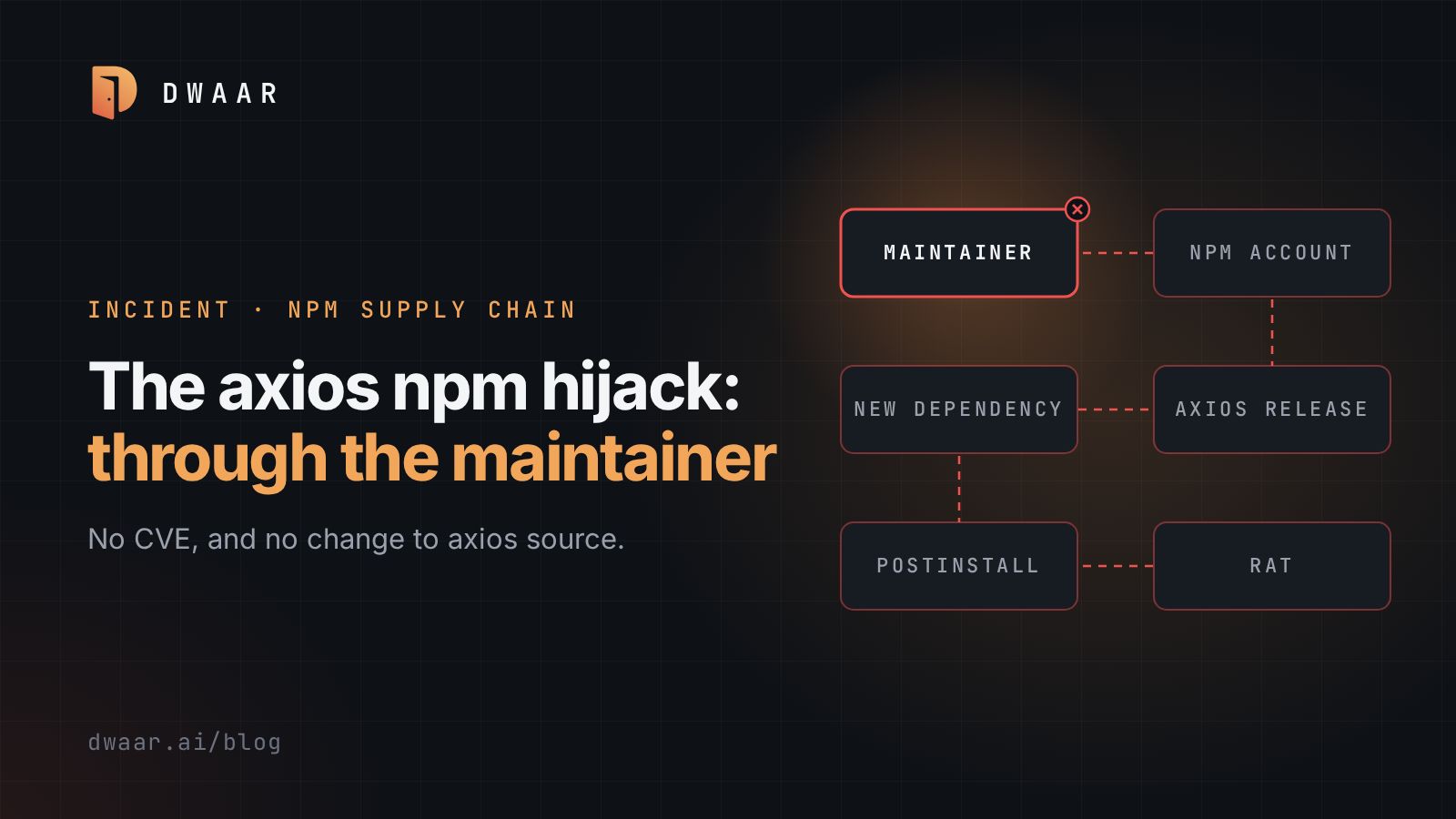
Most dependency processes assume a flaw in someone's code: a CVE appears, you check whether you are affected, you patch. On March 31 that process had nothing to hold. Two axios releases went out on npm from the lead maintainer's own account, with no CVE and no change to axios source, and for about three hours installing them could run a remote access trojan on the machine doing the install.
| At a glance | |
|---|---|
| Identifier | No CVE. GitHub malware advisory GHSA-fw8c-xr5c-95f9, CWE-506 |
| Affected | axios 1.14.1 and 0.30.4. plain-crypto-js 4.2.1 carried the payload |
| Fixed in | No patched version; releases removed. Downgrade to 1.14.0 or 0.30.3 |
| Severity | No CVSS score. GitHub's advisory has no CVSS vector; its web page shows no severity label, while its API record marks it critical. |
| Status as of 2026-04-02 | Malicious releases removed March 31; the maintainer says they are 'no longer infecting users' and calls the immediate incident resolved. Google's April 1 analysis still described an active attack and gives no count of affected installs. Already-infected hosts remain exposed. No KEV entry, because KEV lists only CVEs |
| Disclosed | 2026-03-31 |
How the account fell
The maintainer's post-mortem describes about two weeks of targeted social engineering. In a comment posted today, he says the attacker impersonated a company founder, used a branded Slack workspace and a Microsoft Teams meeting, and told him something on his system was out of date. What he installed was the RAT. That account is his own, not yet independently corroborated.
2FA was on, and it did not matter. A RAT gives an attacker, in his words, "full unilateral control of everything on your machine", and his npm credentials came with it. The post-mortem does not name the credential type, so treat the long-lived classic token that The Hacker News calls likely as unconfirmed.
The sequence, all UTC:
- March 30, 05:57: plain-crypto-js 4.2.0, reported as clean.
- March 30, 23:59: plain-crypto-js 4.2.1, with the payload.
- March 31, 00:21: axios 1.14.1, then axios 0.30.4 at about 01:00.
- March 31, 03:15: the axios versions are removed, and plain-crypto-js at 03:29. Google's window ends at 03:20 instead, so use that when searching logs.
The attacker used the compromised account to delete community issues reporting the problem. The maintainer is blunt: "There was no automated way to detect an unauthorized publish."
Attribution is by vendor, not proven. Google names UNC1069, a financially motivated North Korea-nexus actor. Microsoft names Sapphire Sleet and says it overlaps with UNC1069.
How the payload worked
BleepingComputer reports unmodified axios source, no OIDC provenance and no matching GitHub commit. The only addition was one dependency that nothing imports. Per Microsoft, it exists solely to run a postinstall script, declared as "postinstall": "node setup.js".
setup.js is an obfuscated dropper. It branches on the operating system, requests a platform-specific payload from sfrclak[.]com:8000/6202033, runs it, then deletes itself and the package.json holding the hook, renaming a clean package.md into its place. Reading the package afterwards tells you nothing, so the directory's presence is your signal.
Google calls the payload WAVESHAPER.V2. Linux gets a Python RAT with no persistence reported, which is no comfort on a build runner: whatever that job could read was exposed while it ran.
Reachability analysis has no say here. The code ran at install time, and nothing in your call graph needed to touch it. The usual triage signals have nothing to read either.
What to check today
Search every lockfile. This is the command from the post-mortem:
grep -E "axios@(1\.14\.1|0\.30\.4)|plain-crypto-js" package-lock.json yarn.lock 2>/dev/null
It names only npm and Yarn lockfiles, so if you use pnpm or Bun, search those lockfiles for the same strings too.
For any machine or CI run that installed them:
- Treat it as compromised. GitHub: "Any computer that has this package installed or running should be considered fully compromised."
- Look for
/Library/Caches/com.apple.act.mondon macOS,%PROGRAMDATA%\wt.exe,%PROGRAMDATA%\system.batand an HKCU Run value namedMicrosoftUpdateon Windows, and/tmp/ld.pyon Linux. - Search egress logs for
sfrclak[.]comand142.11.206.73on port 8000, and block both. - Rebuild affected hosts from a known-good state, and rotate every secret they could reach from a different, clean computer, as GitHub advises.
- Downgrade to axios 1.14.0 or 0.30.3, delete
node_modules/plain-crypto-js/, clear npm, yarn and pnpm caches, and reinstall.
Sources differ on plain-crypto-js 4.2.0: Microsoft and The Hacker News call it a clean release, while Google tells defenders to audit lockfiles for 4.2.0 or 4.2.1. Remove the package at any version.
Check downstream too. Researchers named @shadanai/openclaw 2026.3.28-2, 2026.3.28-3, 2026.3.31-1 and 2026.3.31-2, which vendor the payload, and @qqbrowser/openclaw-qbot 0.0.130, which ships a tampered axios 1.14.1 in its own node_modules/. BleepingComputer reported downstream impact as unknown.
What your controls actually buy
Lockfiles buy stability, not safety. Both bad versions were patch bumps, so ^1.14.0 and ^0.30.0 admit them. A lockfile recorded earlier and installed with npm ci stays on the good version. It buys nothing on a fresh resolve: a new project, a deleted lockfile, an update bot's pull request. Microsoft also advises removing ^ and ~, using overrides, and excluding axios from update bots.
Disabling install scripts breaks this exact chain. npm's config definition says that with ignore-scripts true, "npm does not run scripts specified in package.json files", and Microsoft recommends npm ci --ignore-scripts. Anything relying on an install script stops setting itself up, and it does nothing if the next attacker puts the code in the library itself. I would still make it the CI default, with exceptions by name.
Release age buys time for someone else to notice. min-release-age, added in npm 11.10.0, installs only versions older than a set number of days. These releases lasted about three hours, so one day would have held them back. Urgent fixes wait too, so plan an override.
New dependencies are what I would alert on: a package added in a patch release whose source diff is otherwise empty.
If you publish packages, the maintainer's plan is right: OIDC publishing and immutable releases. It is not the finish line. Last week's LiteLLM compromise reportedly went through stolen CI credentials. The attacker goes wherever the publish right lives, and that includes the person holding it.
One thing to do this week
The first question in an incident like this is where the package is. That is the problem Dwaar works on: discovering what you ship from source control, registries and cloud accounts, scanning it, and keeping one findings list.
Take your busiest pipeline and run npm ci --ignore-scripts on a branch. Whatever breaks is your real list of packages that run code during a build. Write it down, and decide which entries deserve that access.
References
- axios maintainers, Post-mortem, issue #10636, dated 2026-03-31, opened 2026-04-02
- GitHub Advisory Database, GHSA-fw8c-xr5c-95f9, 2026-03-31
- BleepingComputer, Hackers compromise axios npm package, 2026-03-31
- The Hacker News, Axios supply chain attack, 2026-03-31
- Google Threat Intelligence Group, axios npm analysis, 2026-04-01
- Microsoft Security Blog, Mitigating the Axios npm supply chain compromise, 2026-04-01
- npm CLI, config definitions at tag v11.10.0, for
ignore-scriptsandmin-release-age, 2026-02-11 - npm CLI, v11.10.0 release notes, 2026-02-11